Paz Studios
Loftia Companion Is Live on Overwolf
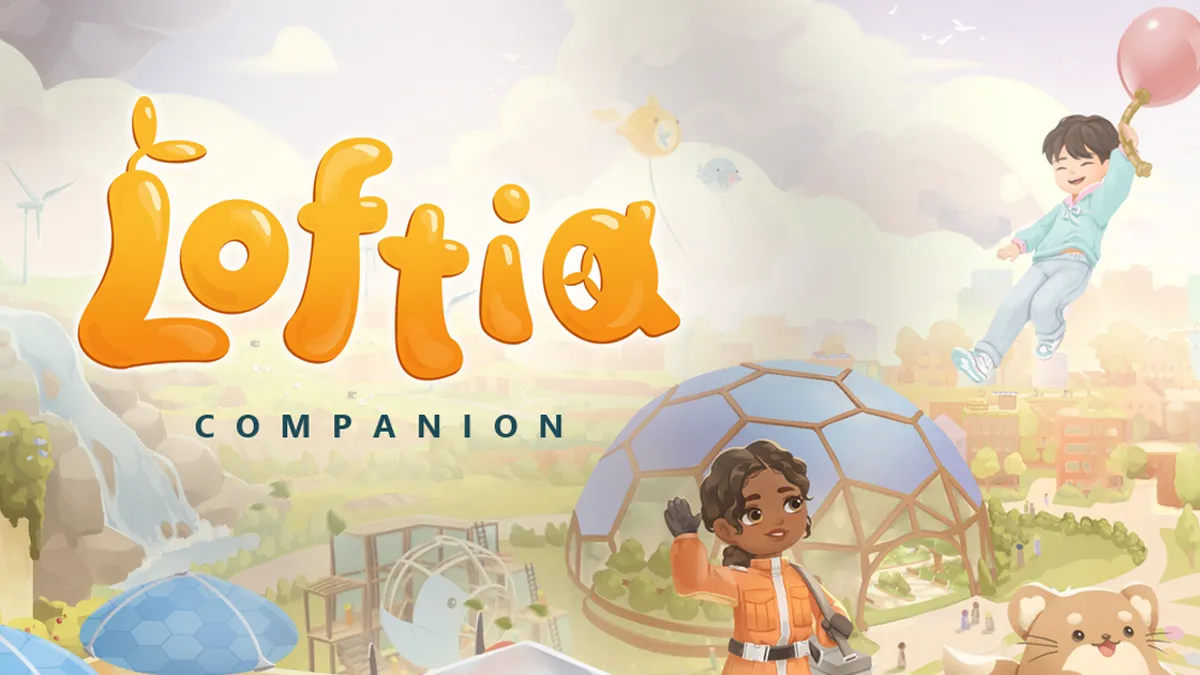
Loftia Companion is out now on Overwolf. It puts the whole of Loftia in one window: an Almanac of every crop, fish and dish, maps of every district, a profit table for your garden and a quest log you can tick off as you play. Press Ctrl+Shift+L to show it, press it again to get back to your farm.
Your day on Loftia
The app opens on Home. You see your next quest, today's best crops for Dew, a tip of the day, a resident to meet and the latest news from the game. If you ticked something off last session, Home has a link straight back to it.
The Almanac
At launch the Almanac holds 24 crops, 28 fish, 1,222 items, 61 dishes, 30 datapads and the full wardrobe and housing catalogues, each with its icon from the game. Filter by category, tier and rarity or search by name. Every entry tells you what it sells for, where it comes from, what it goes into and how to cook it.
Every district, mapped
Loftia City, the Hanging Gardens, the Gridfall and the rest each get an interactive map. Shops, residents, travel points, research stations, contribution bins, fishing spots, gathering nodes, datapads and pets sit on their own layers, so you can switch off the 300 gathering pins when you only want to find Milo.
Farm and cook for profit
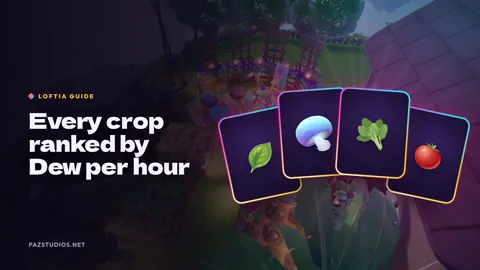
The Profits page ranks every crop and dish by the Dew it earns, per hour and per harvest. Tell it how many garden beds you have and how long you play, and it picks the best crop to plant right now. Growing time, watering interval, seed cost and sell price sit side by side, so you can check its maths.
Quests, memories and research
The quest log covers all 60 main and side quests with who gives them, the steps and the rewards. Memories and the 26 research bundles work as checklists too. Tick them off as you go and the app saves your progress on your PC. You don't need an account.
Meet the residents
All 19 residents and 9 pets have a page: who they are, where to find them, what their shop stocks, which quests they give and what they say.
Always up to date
We read the game data straight from the Loftia client and refresh it every day. When a new build adds crops, quests or price changes, the Companion picks them up without an app update. News and patch notes land on one timeline with a link to each post on Steam.
Get it
Install Loftia Companion from the Overwolf Appstore. Spot a wrong price, a missing pin or a quest step that's off? Tell us in the Paz Studios Discord. Happy farming.
Loftia Companion is not affiliated with or endorsed by Qloud Games. Game data and art from Loftia by Qloud Games, read from the game client.
There’s more on the blog, and new posts land in our Discord first.